Leading UX for a High-Stakes B2B SaaS Tool at Coles
Executive Summary:
I joined the Coles LTP project over a year in, after it had gone over budget and failed to meet user needs. As the sole product designer, I led a design reset—aligning stakeholders, running workshops, and applying a data-informed UX approach.
The result: a cloud-native B2B SaaS MVP that enabled teams to cut 50% of low-ROI promotions and shift planning from static to strategic.
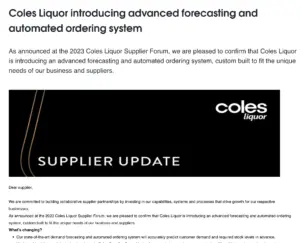
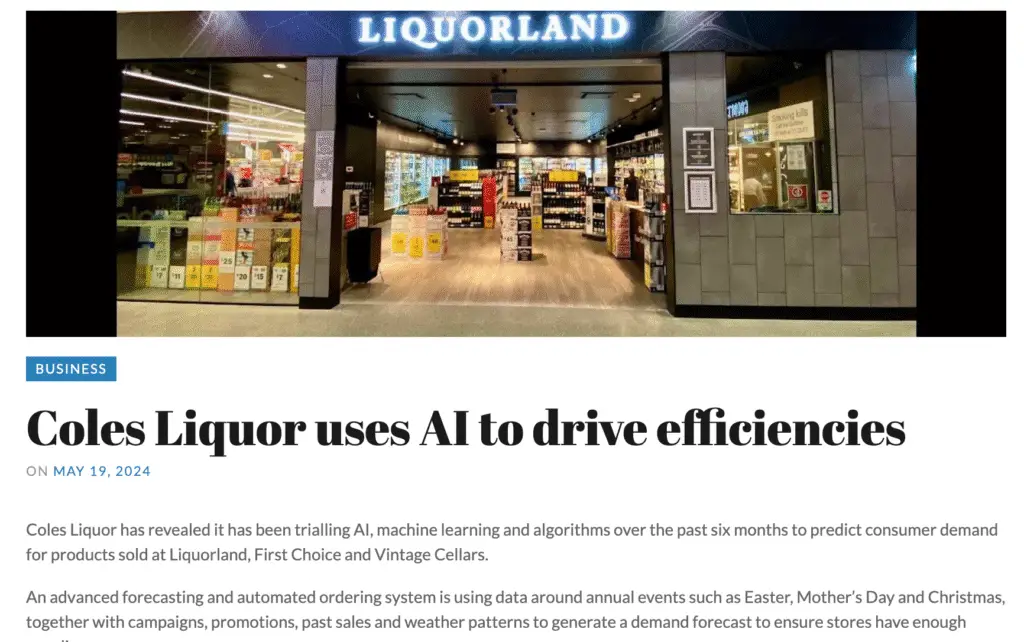
Related Articles & News
coles supplier central
Theshout.com
Drinks Digest
Primary Role
Product Designer (Lead)
Time Frame
2022 – 2024
Company Size
115,000 employees across 2,500+ stores nationwide
Project Model
$2M+ project - Internal B2B SaaS Platform
Tools
Figma, Jira, Confluence, Miro, QA/UAT
Liquor Trade Planninng Tool
Under a Non-Disclosure Agreement, some of the details in this case study may be vague to protect the client’s intellectual property
From Project in Crisis⚠️
When I joined the Liquor Trade Planning project at Coles, it had already gone over budget, lacked a clear BRD, and had failed to meet user needs. With misalignment across teams and no solid UX direction, the product was placed on hold
It was later resumed with a partially refreshed team, including myself as the product designer. What I stepped into was more than just a design challenge—it was an opportunity to bring clarity to complexity and help turn a struggling internal tool into a scalable B2B solution the business could rely on.
Why the System Needed to Change
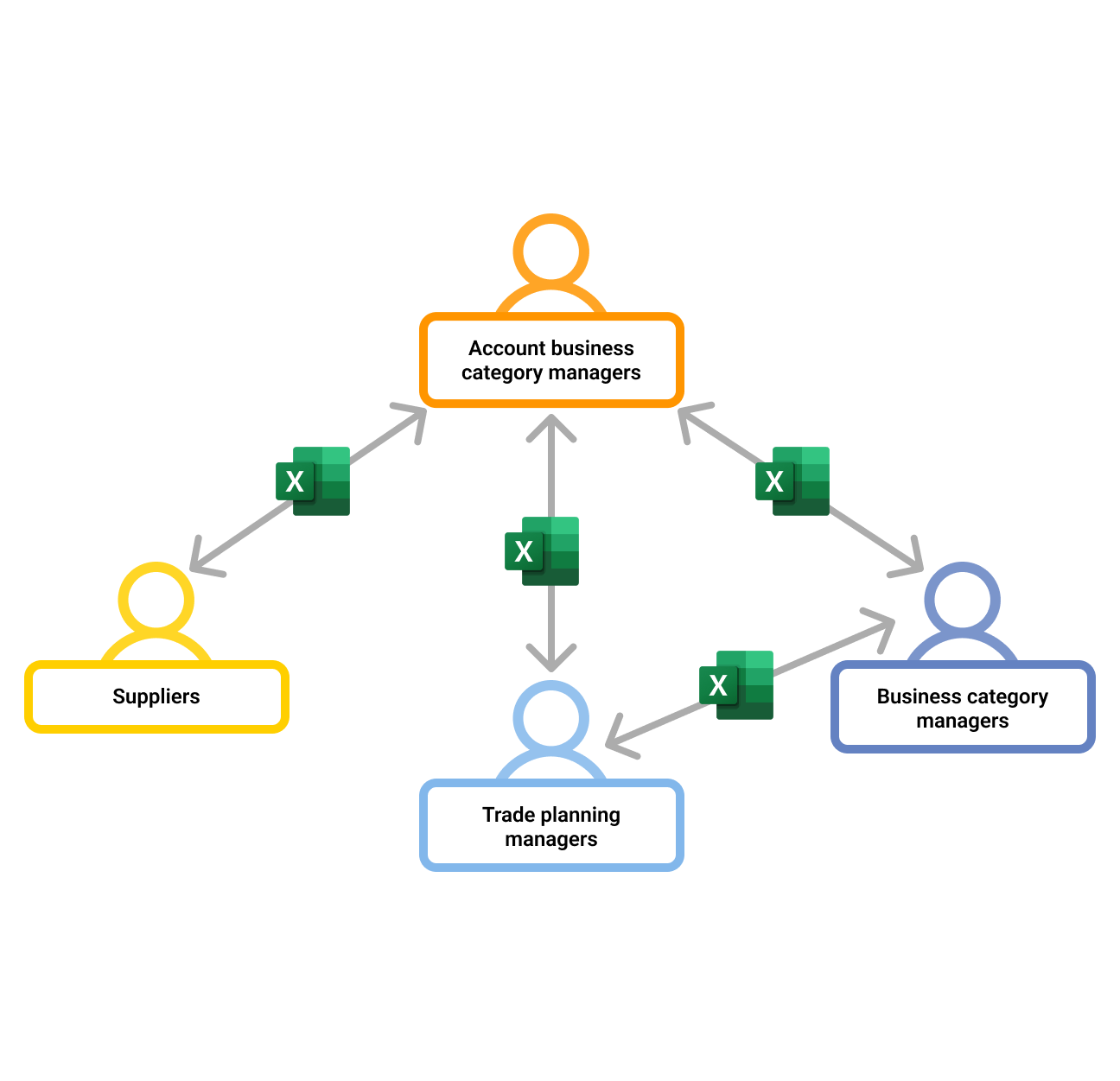
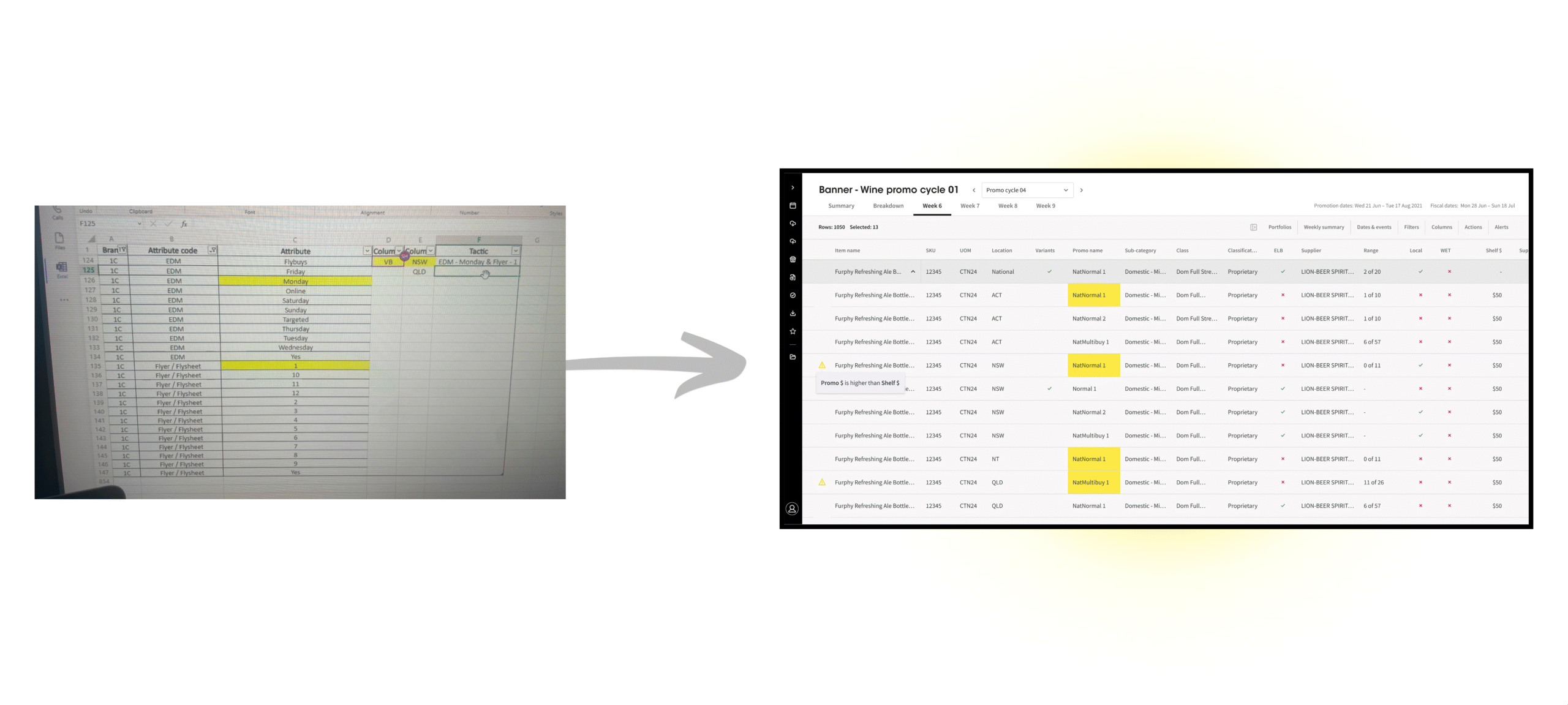
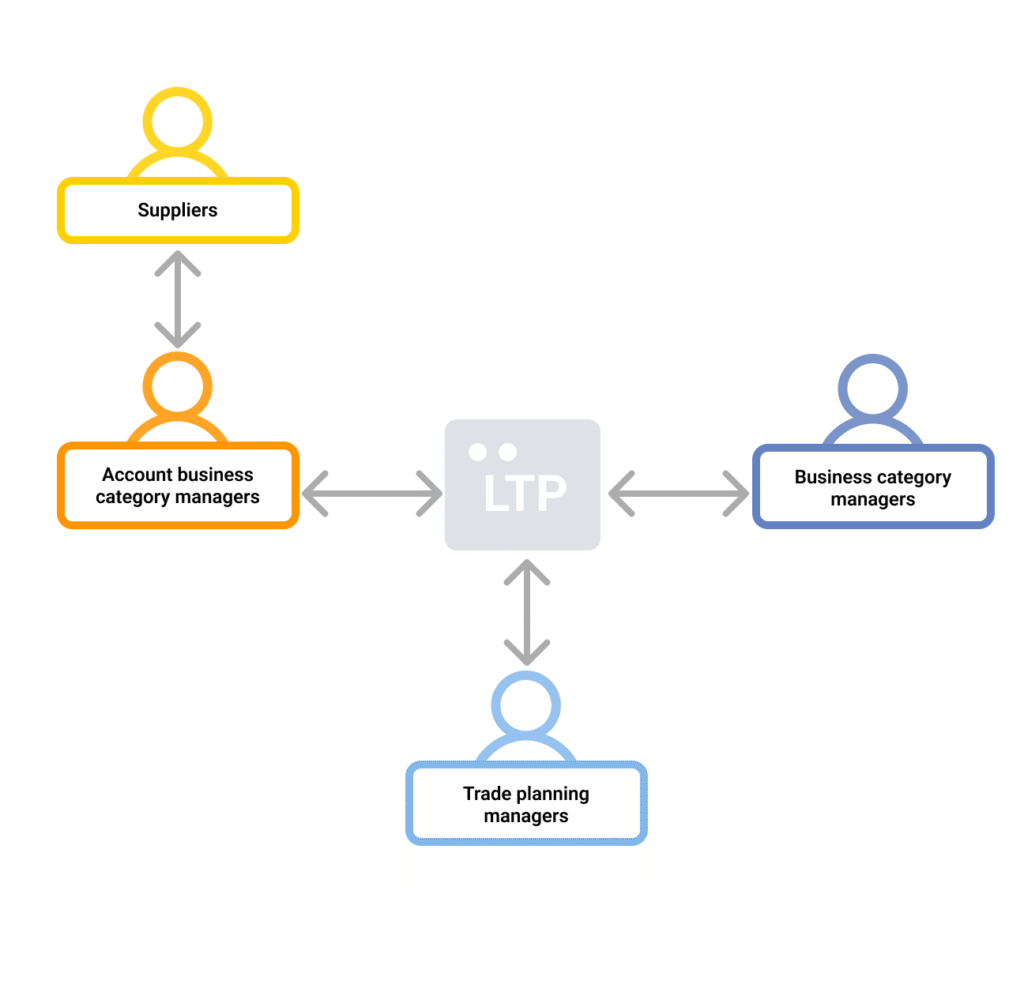
Liquor trade planning at Coles was built on a manual, spreadsheet-heavy process involving suppliers, trade planning managers, and category leads. Each team worked in isolation—passing Excel files back and forth, manually updating figures, and struggling to stay aligned across timelines, promotions, and inventory.
Spreadsheets were everywhere—alignment was nowhere
The result? A slow, high-risk process with:
Inconsistent data
Overstocking or stockouts
Limited store-level visibility
Heavy manual workload
Poor adaptability to market needs
To scale effectively, the business needed to move from fragmented Excel workflows to a centralised, insight-driven planning platform.
Where Excel Falls Short
I spoke daily with TPMs and ACBMs to understand what was slowing them down. Managing Excel files was time-consuming, with poor filtering, limited editing, and no easy way to track changes. I mapped their full workflow in Miro to spot pain points and highlight where better control and visibility were needed.
Pre-Planning
Intake & Supplier Alignment
Planning Building the Promotional Strategy
Post-Planning Sign-Off, Handover & Data Storage
What if every step—from import to planning to export was no longer manual, but built to flow together?
Collaborating to Build What’s Possible
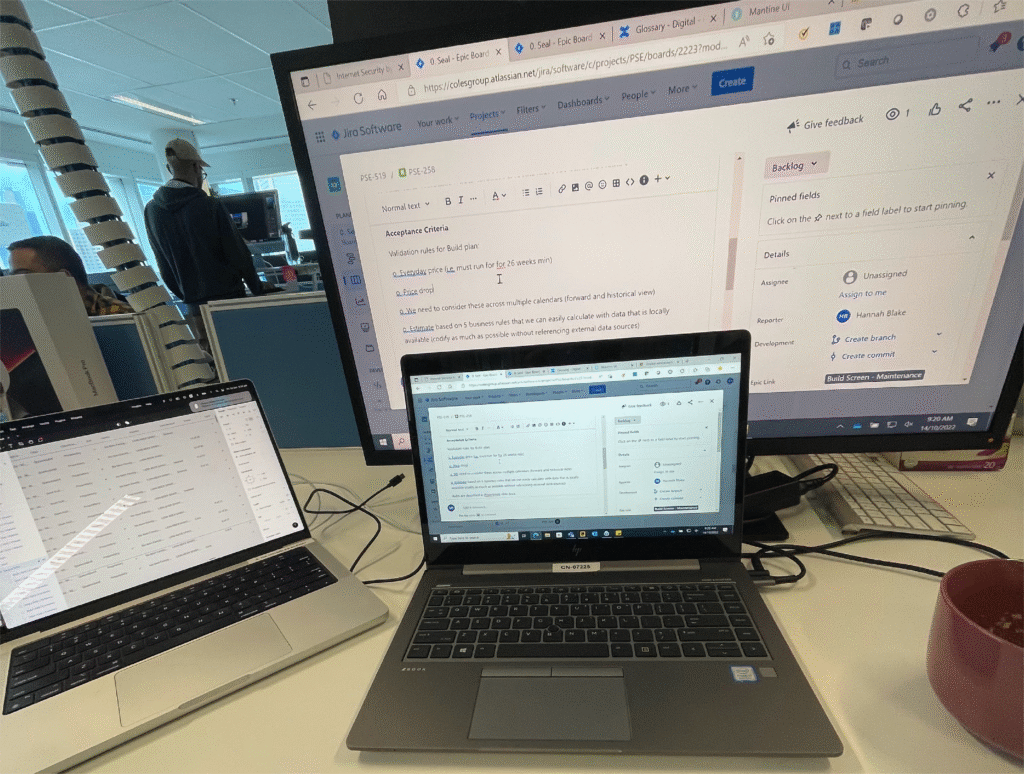
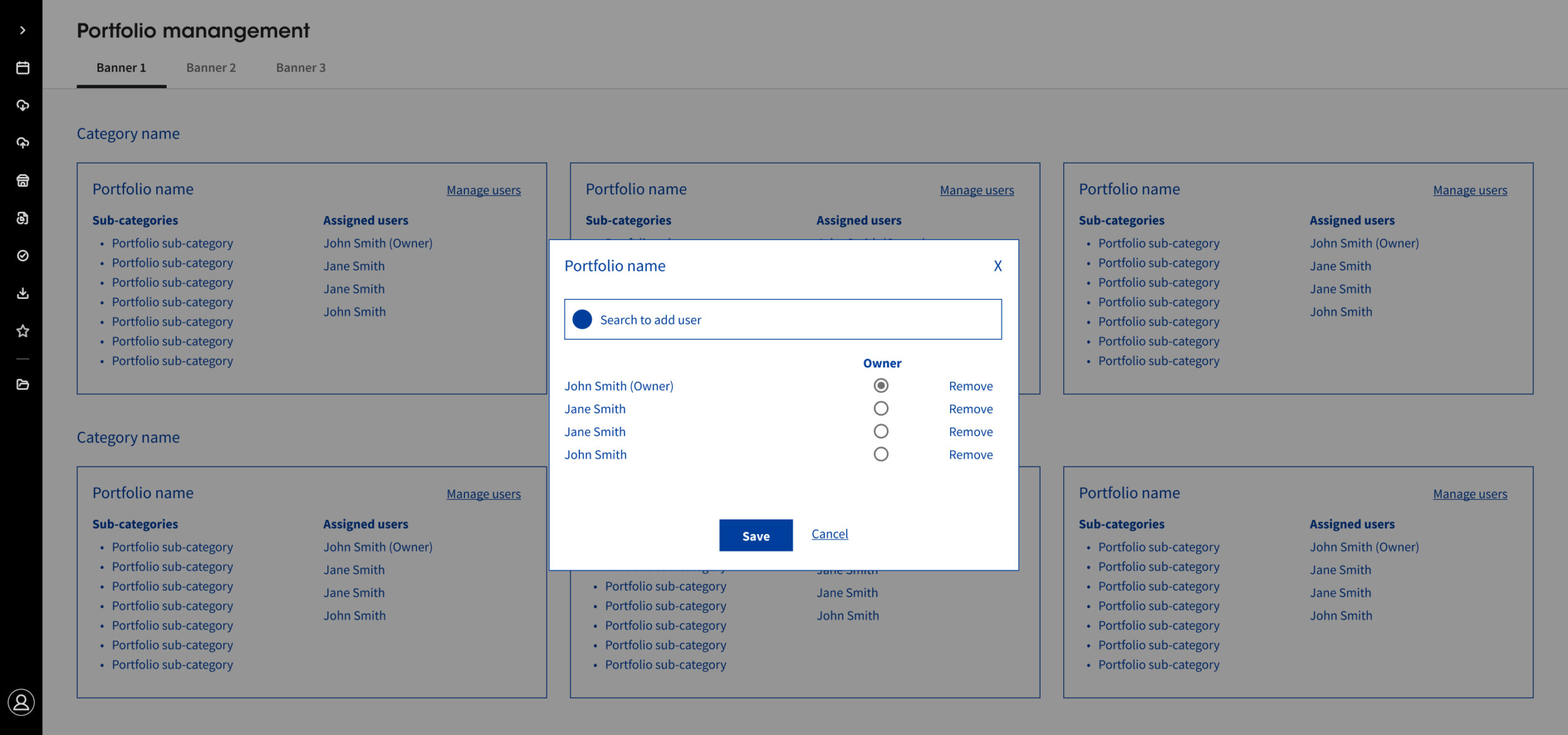
Alongside user research, I partnered closely with the Product Owner, BA, Developers, and Data Engineer to uncover technical constraints—how data was stored, who had access, and where permission models or infrastructure limited flexibility.
But it wasn’t just about identifying limits. As a team, we asked the right questions, challenged assumptions, and filled in the knowledge gaps together. This collaborative environment enabled us to design smarter, scalable solutions—grounded in reality and aligned with what the tool could truly support.
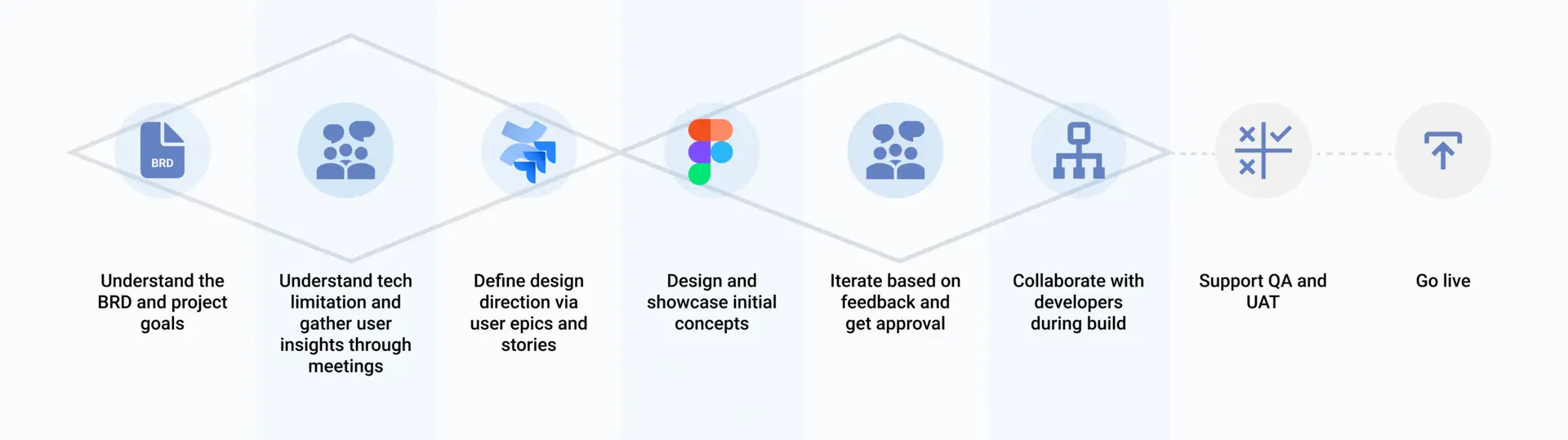
My Work Process
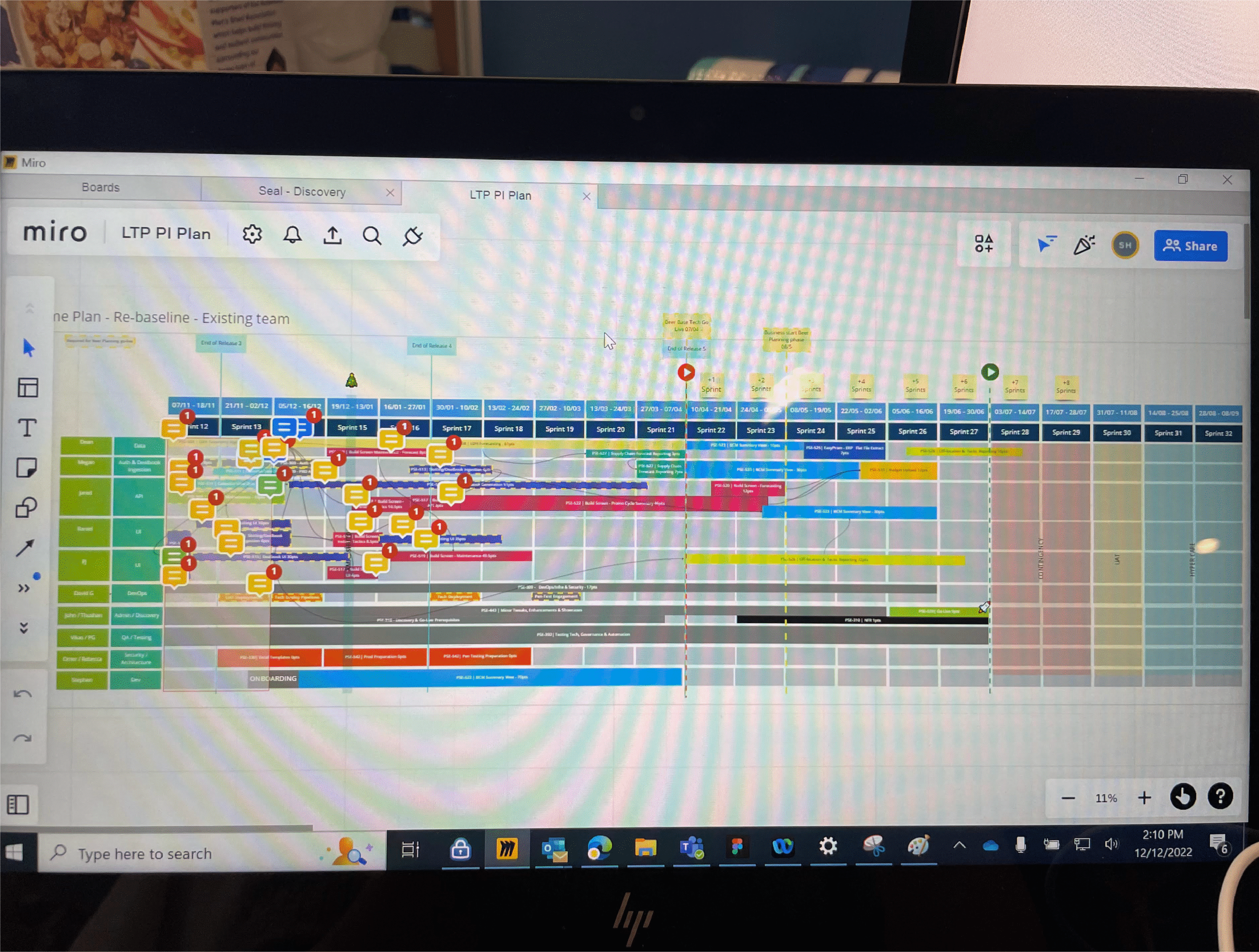
Sprint planning
Time-bound delivery cycles kept us focused, aligned, and moving with momentum
8 hours of team meeting
Intense full-day workshops led to sharper decisions and better product outcomes
Beyond the visual
Clear EPICs and “As a…” user stories ensured shared understanding across the team
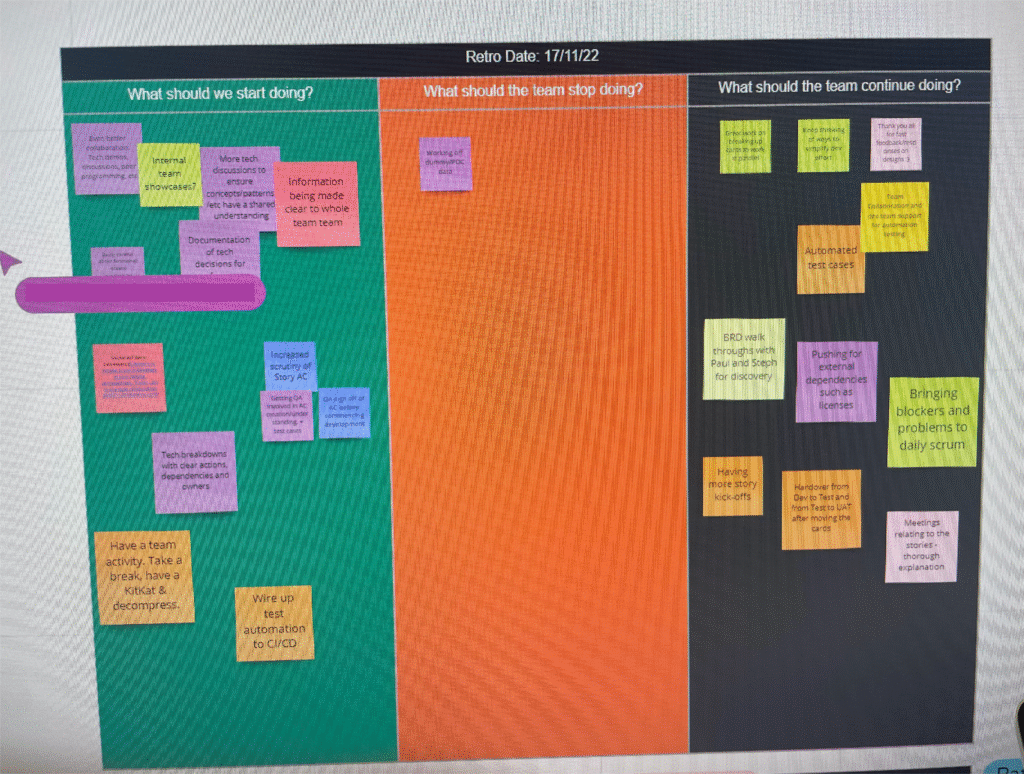
Friday weekly retros
Weekly retros helped us identify what to start, stop, or continue—keeping us agile and honest
From Chaos to Clarity
This process allowed us to zoom in—working closely as a team to refine the product at a granular level. From aligning filter logic with backend constraints to exploring feasible solutions within tech and time limits, it wasn’t just about designing and handing it over.
It was about building the most effective outcome together—one that truly supported the full LTP journey and moved the product forward with clarity and purpose.
Pre-Planning
Planning
Post-Planning
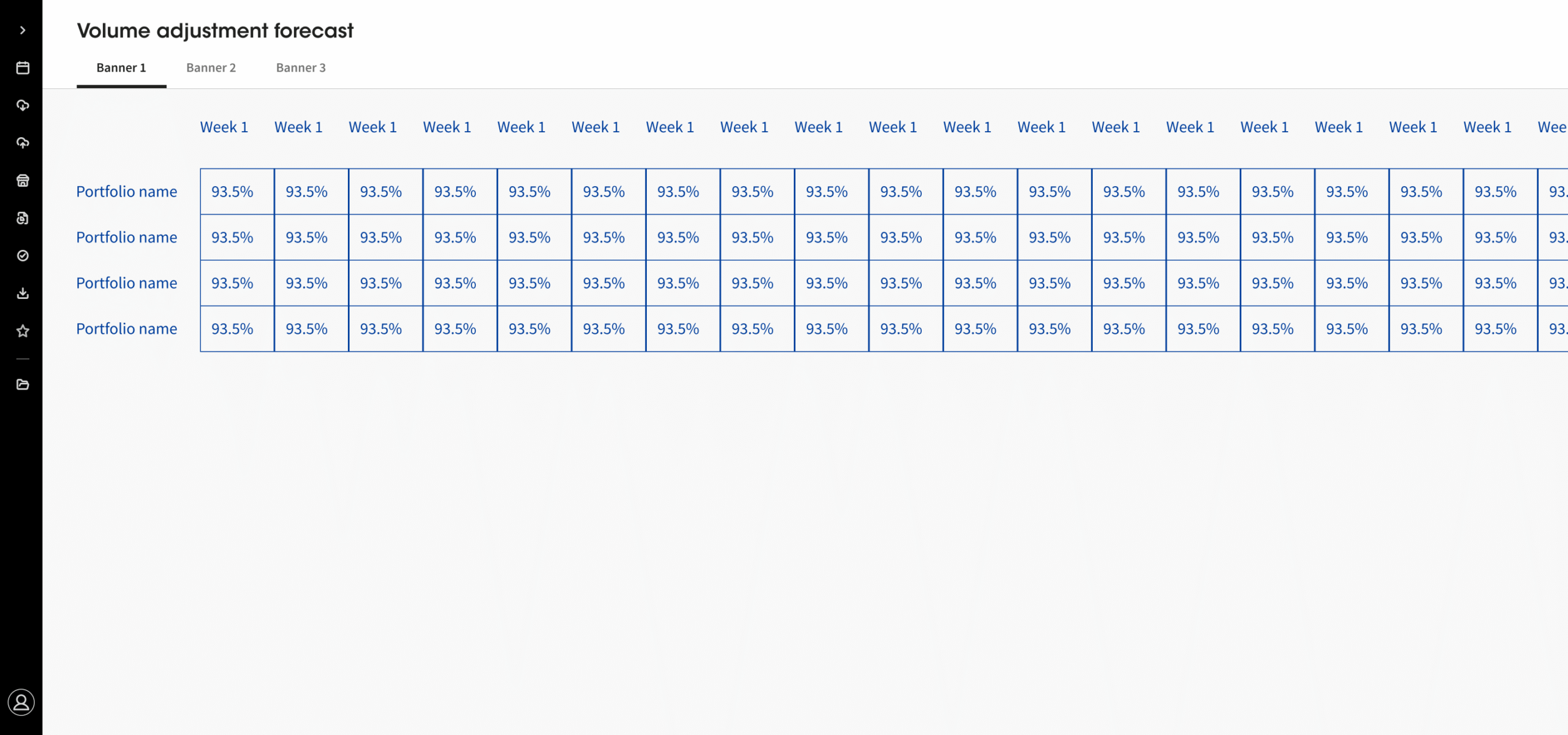
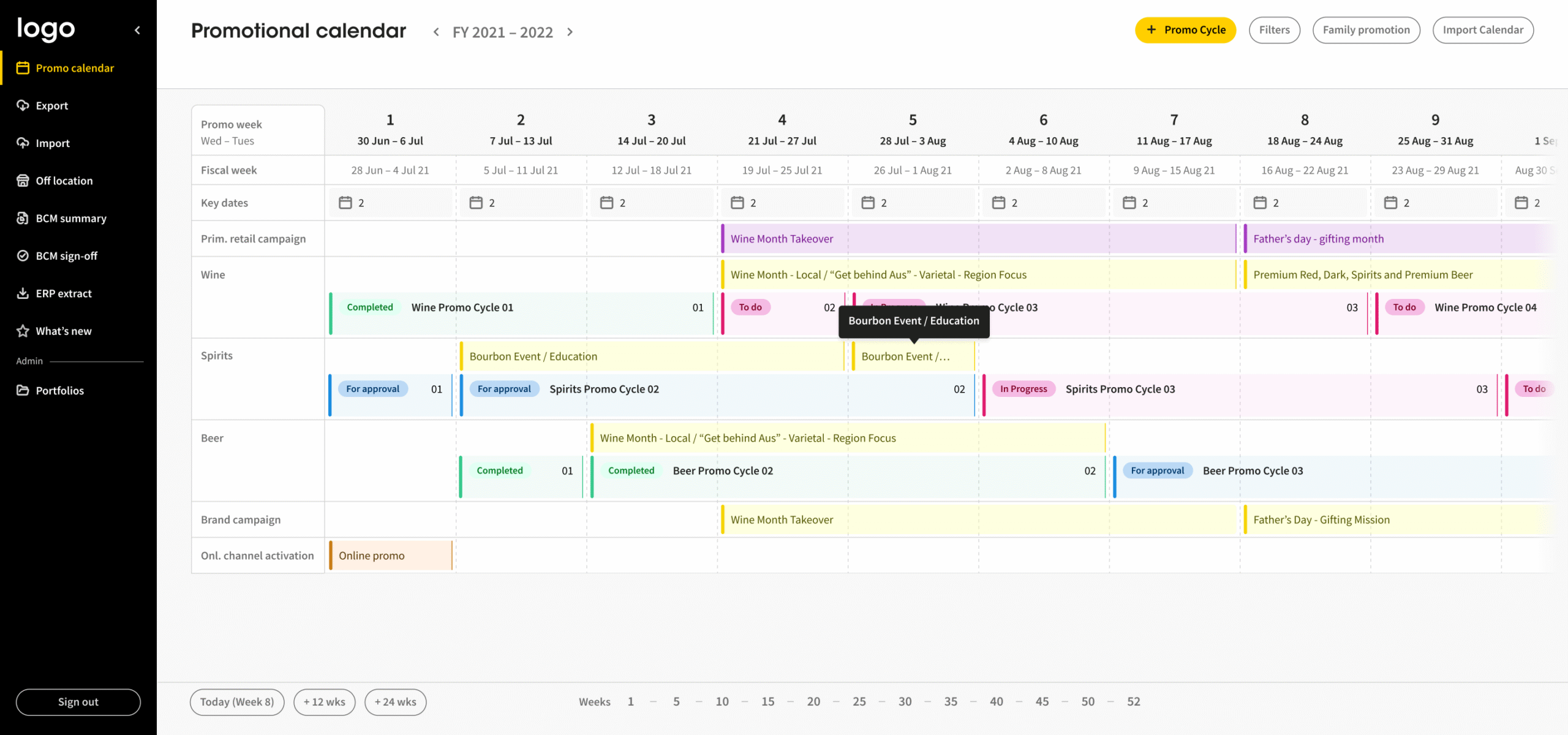
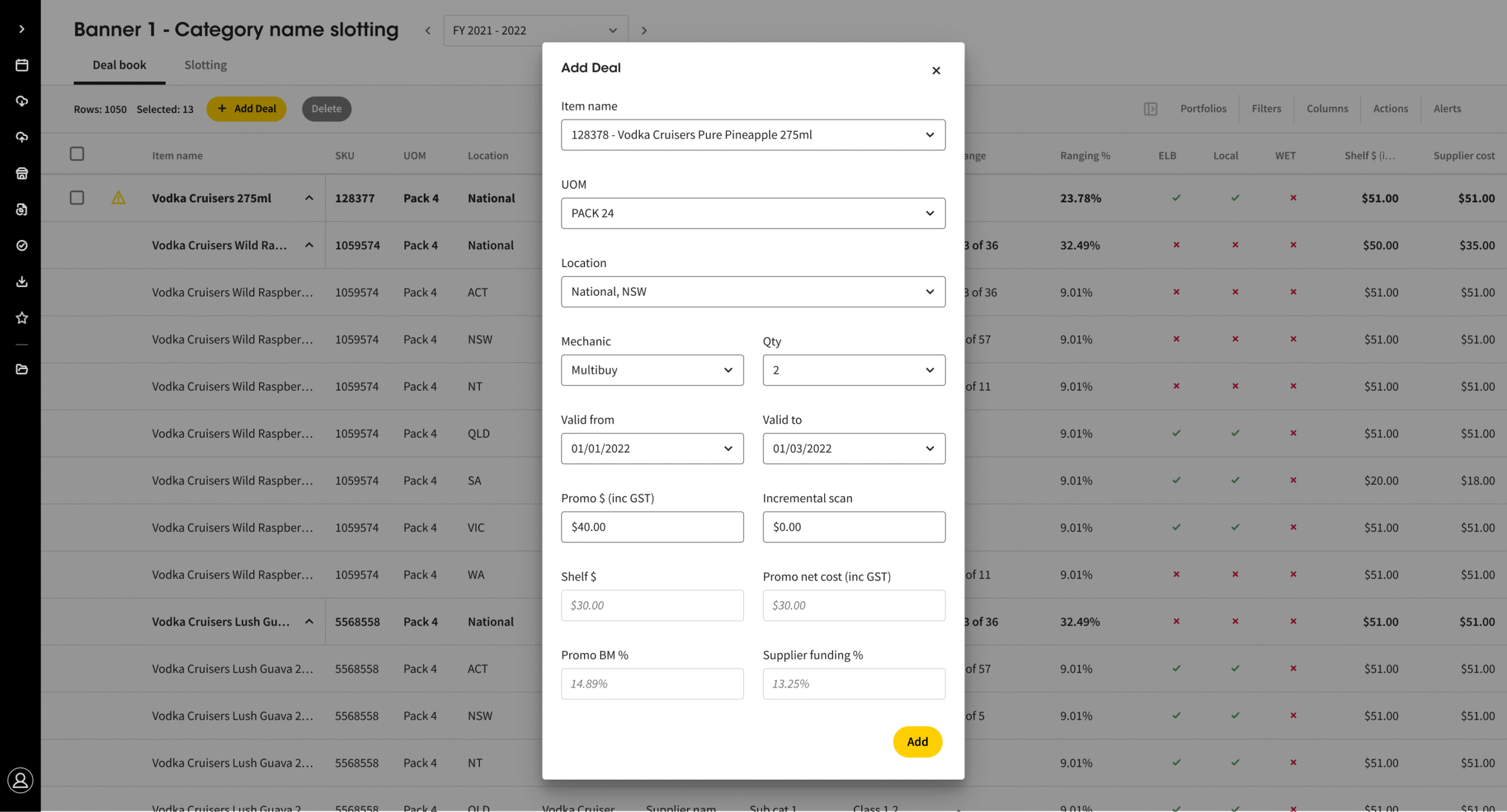
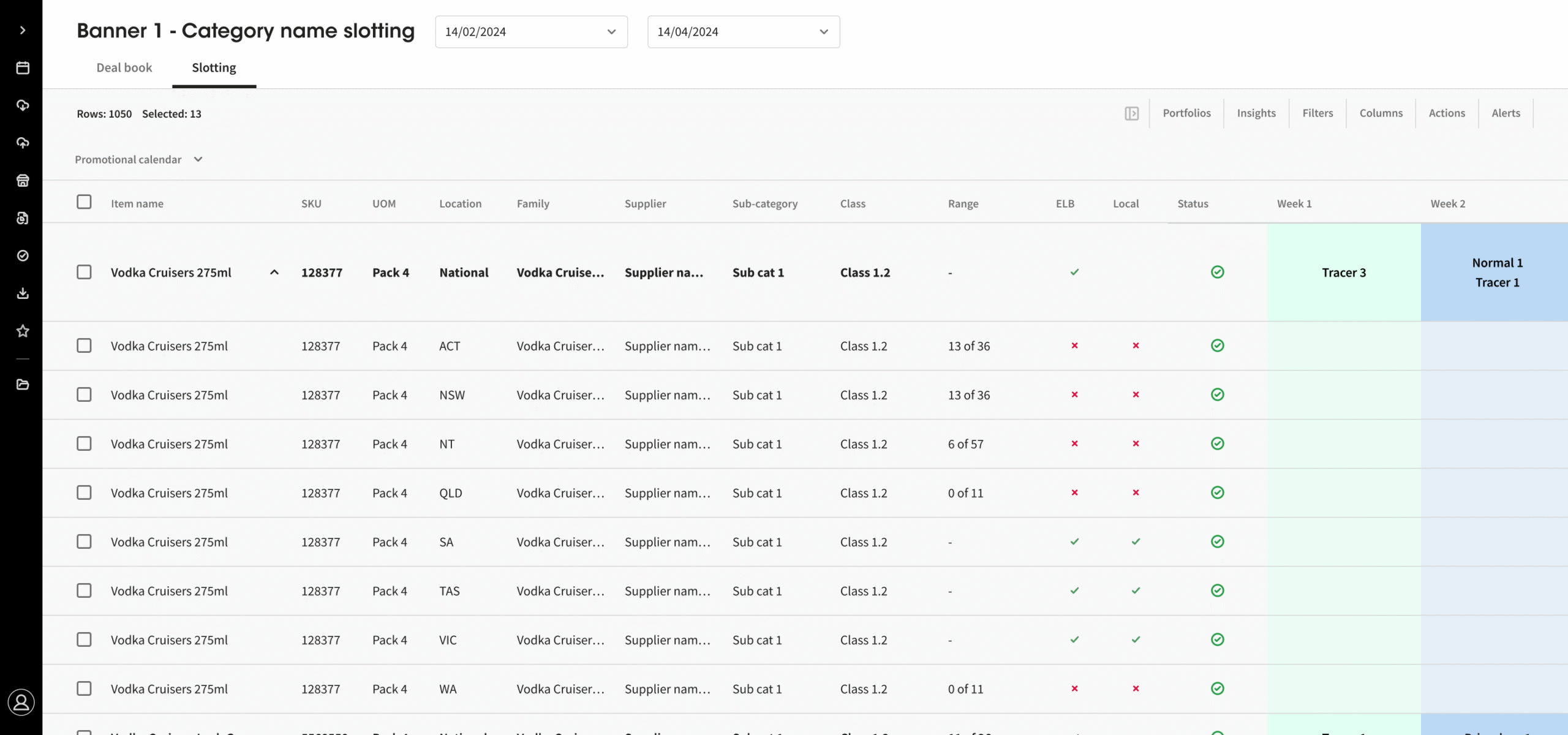
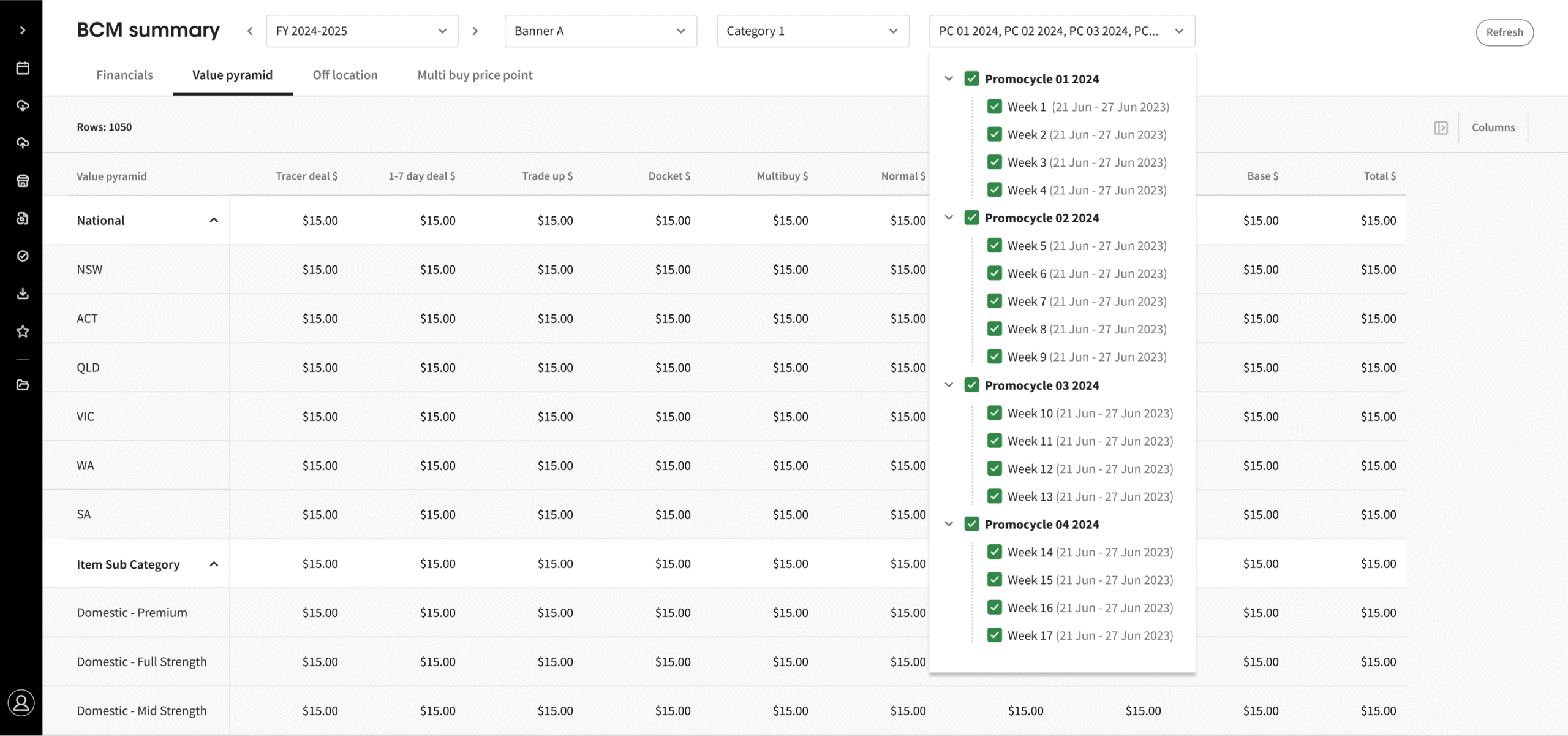
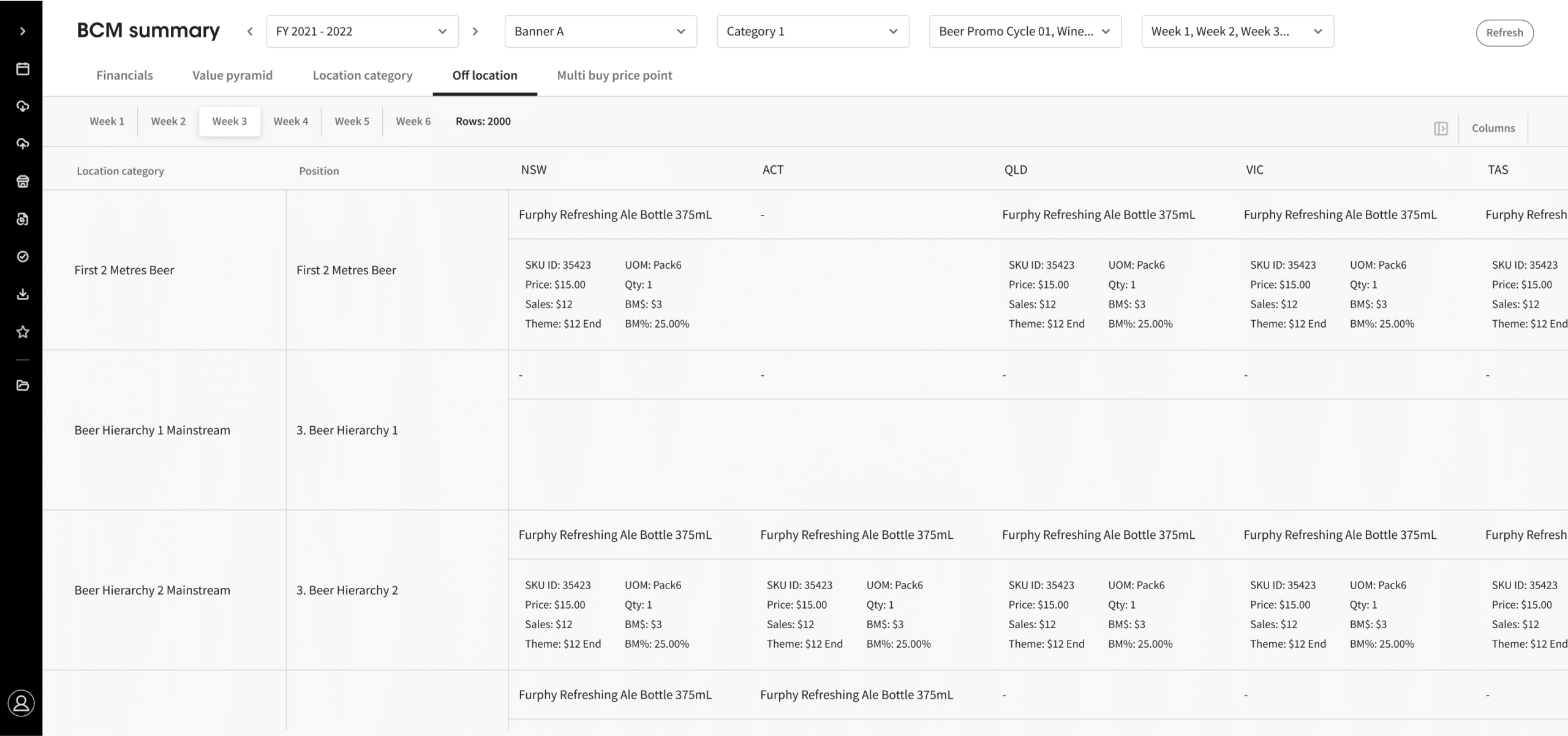
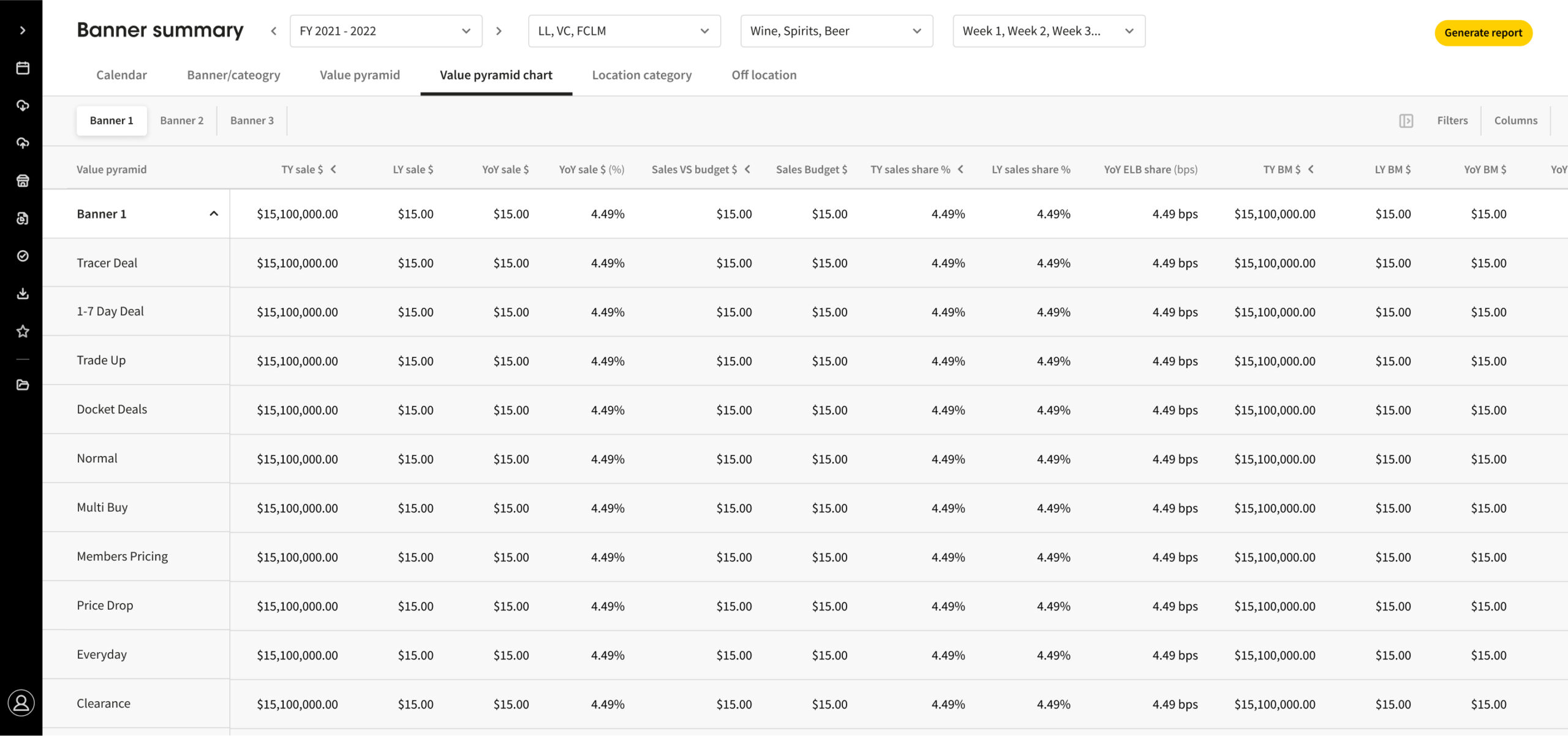
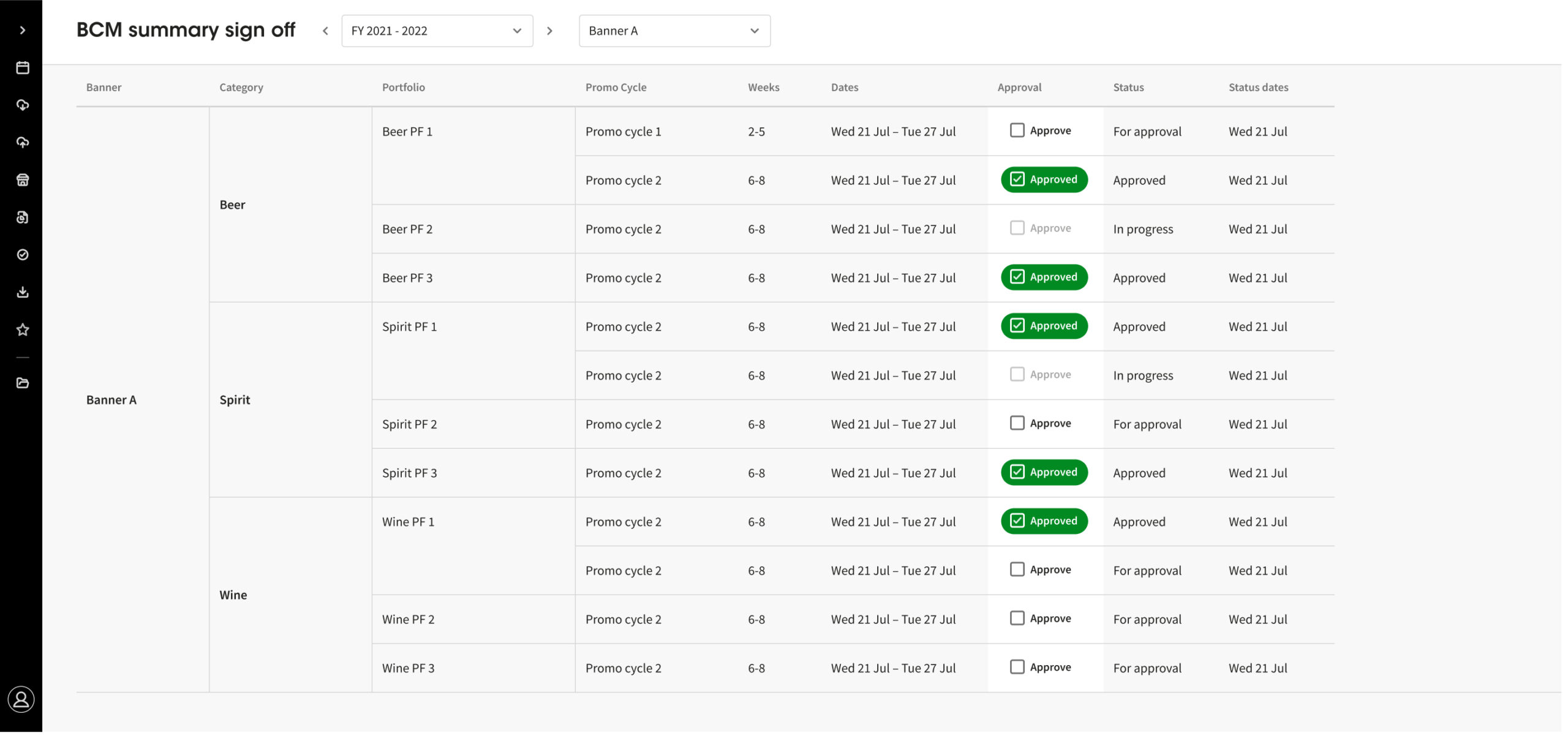
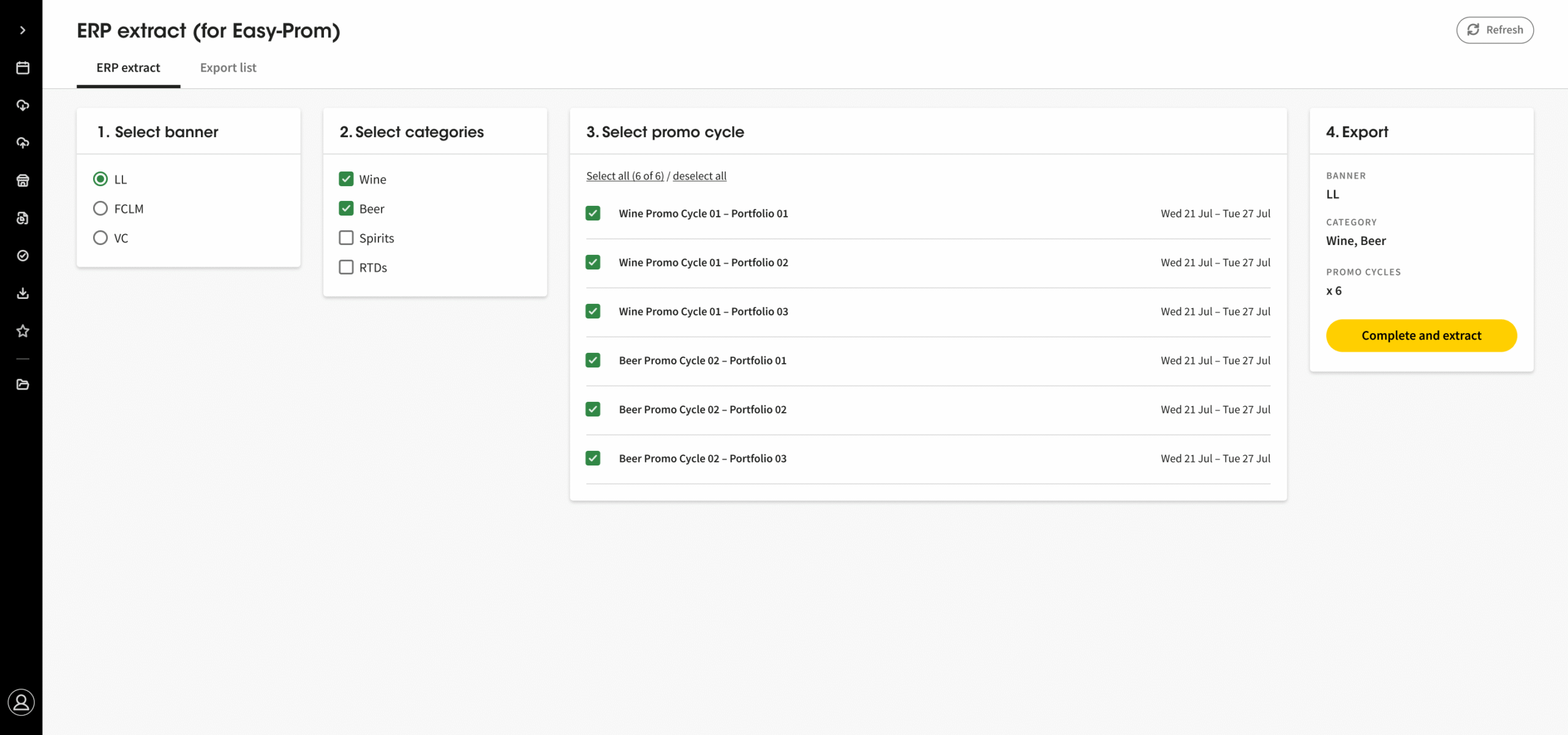
The LTP tool helps stores get the right products at the right time by automating demand forecasting and stock ordering. Instead of the previous approach—where there was one range, one price, and one activation per state—it now supports more flexible, targeted promotional planning tailored to local market needs.
This MVP delivered
Smoother coordination between suppliers and planning teams
Less manual work and reduced spreadsheet use
Improved visibility and accuracy at the store level
Lower risk of overstocking or missed sales
Automated forecasting and ordering, ensuring the right products arrive at the right time
More flexible, targeted promotional planning replacing the one range, one price, and one activation per state approach
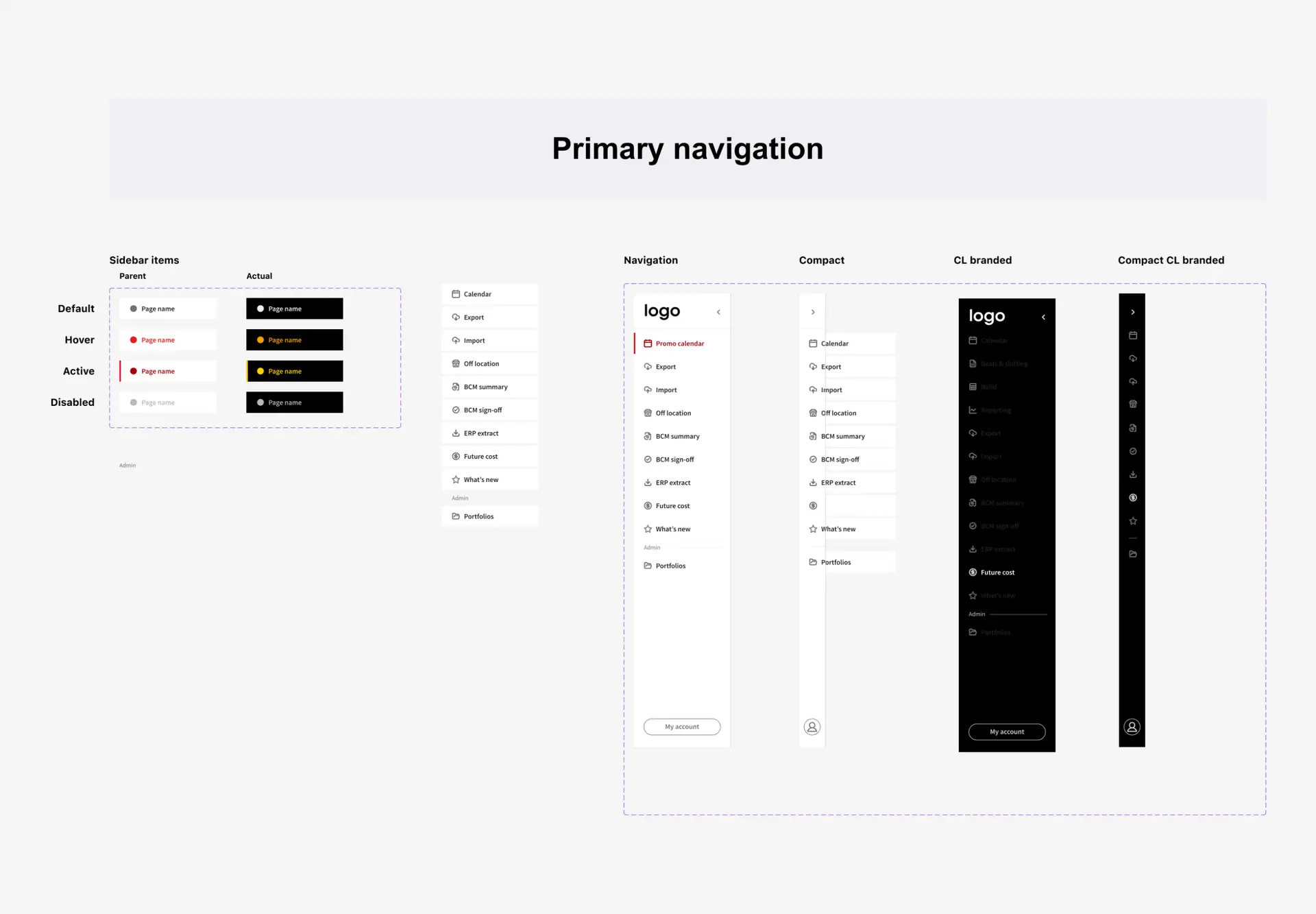
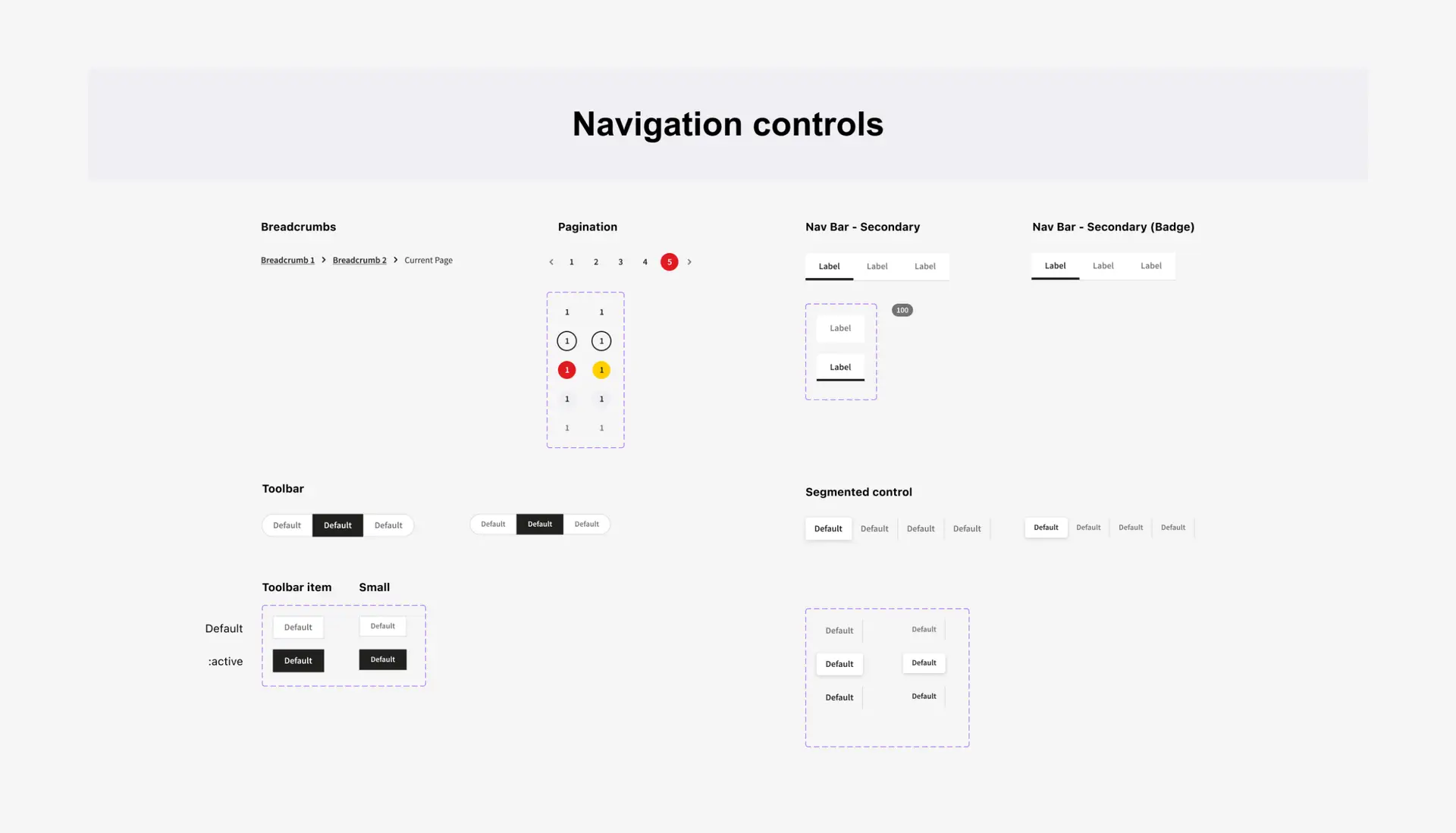
Now, trade planning and forecasting can all happen in one centralised platform. The LTP tool replaces scattered spreadsheets with a streamlined system—making it easier to align plans, reduce manual errors, and make smarter, data-informed decisions across the business.
From complex data to technical limits, I faced several blockers during the design phase. Here’s a quick look at a few key challenges I tackled—just a glimpse into a much broader problem-solving journey.
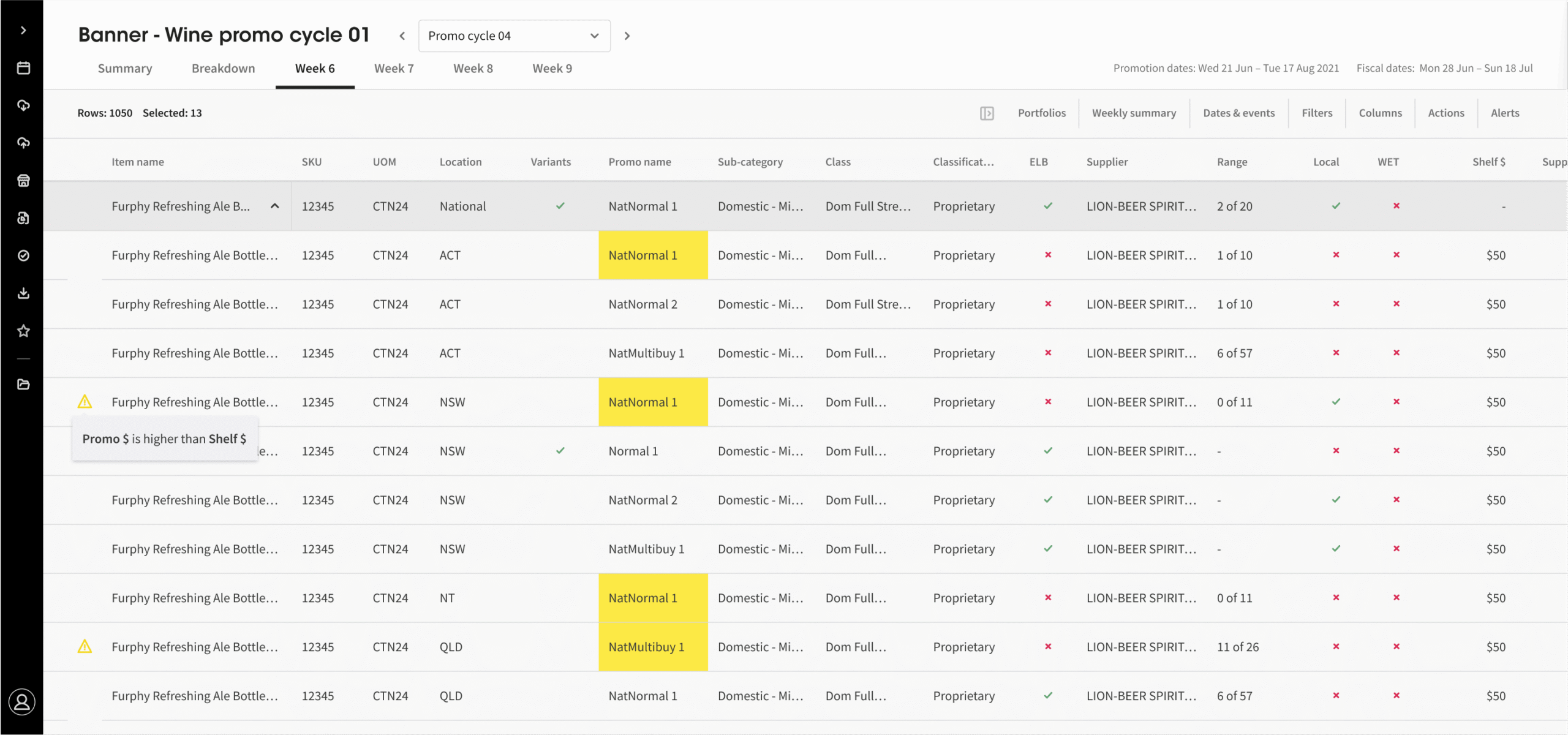
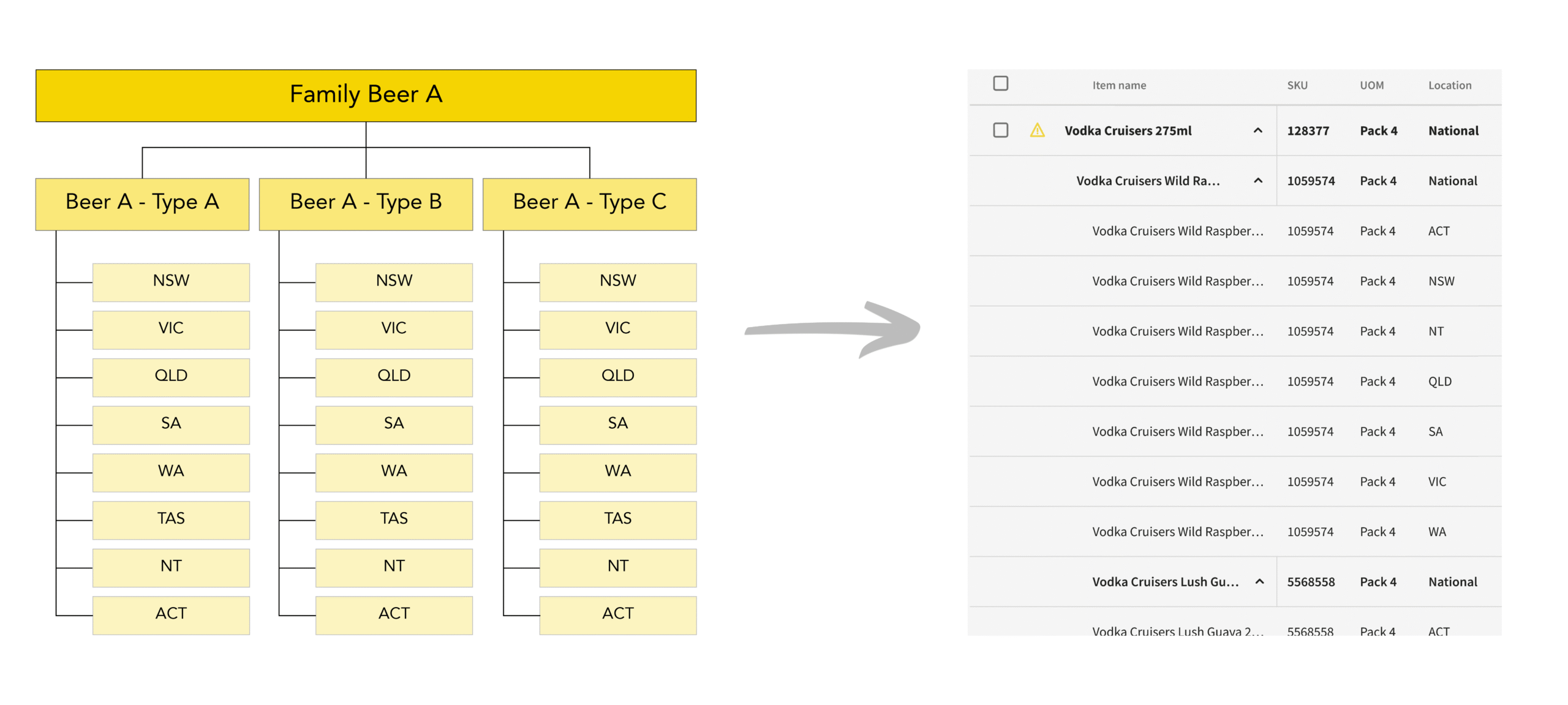
Hierarchies Within Hierarchies
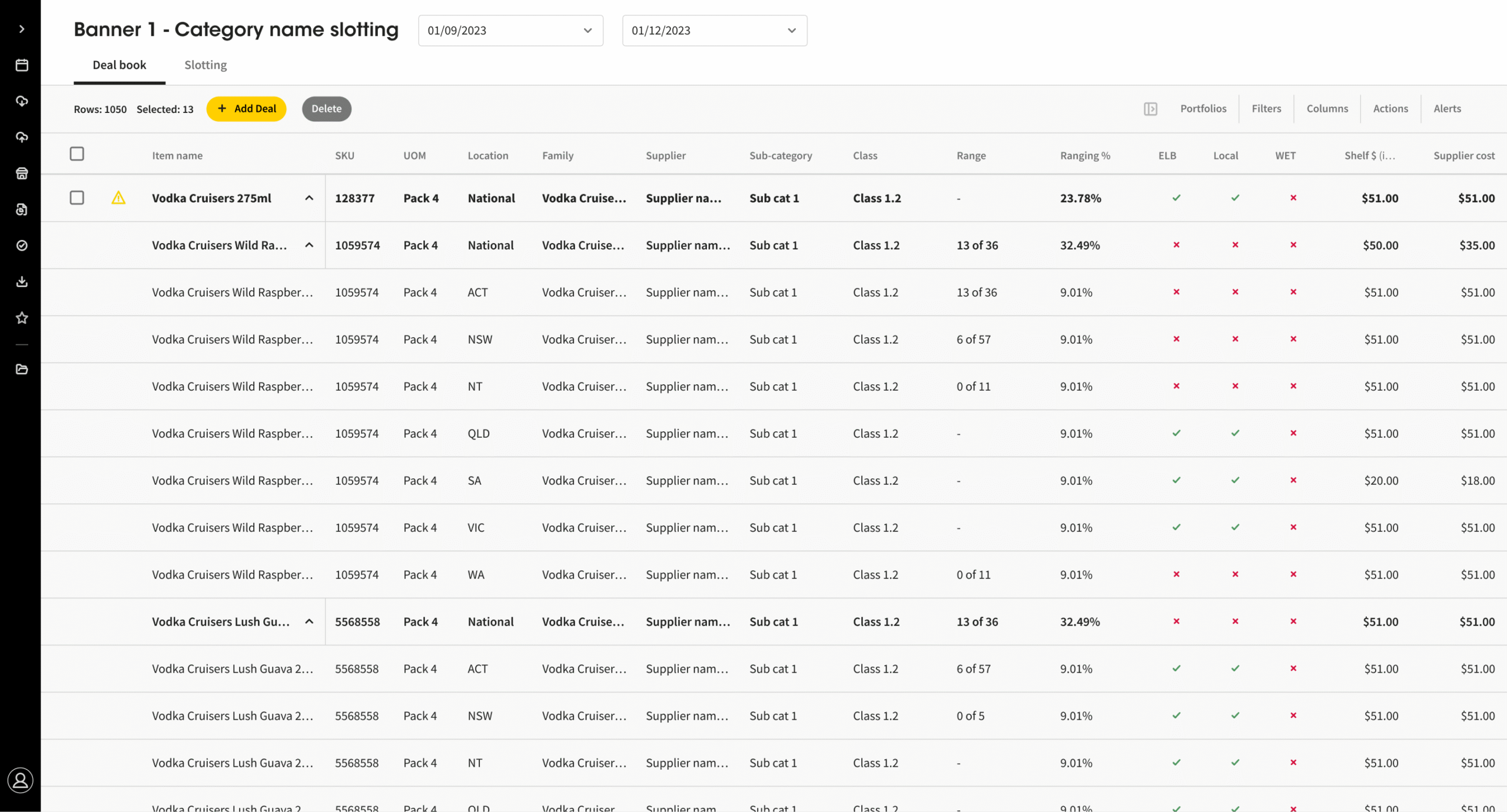
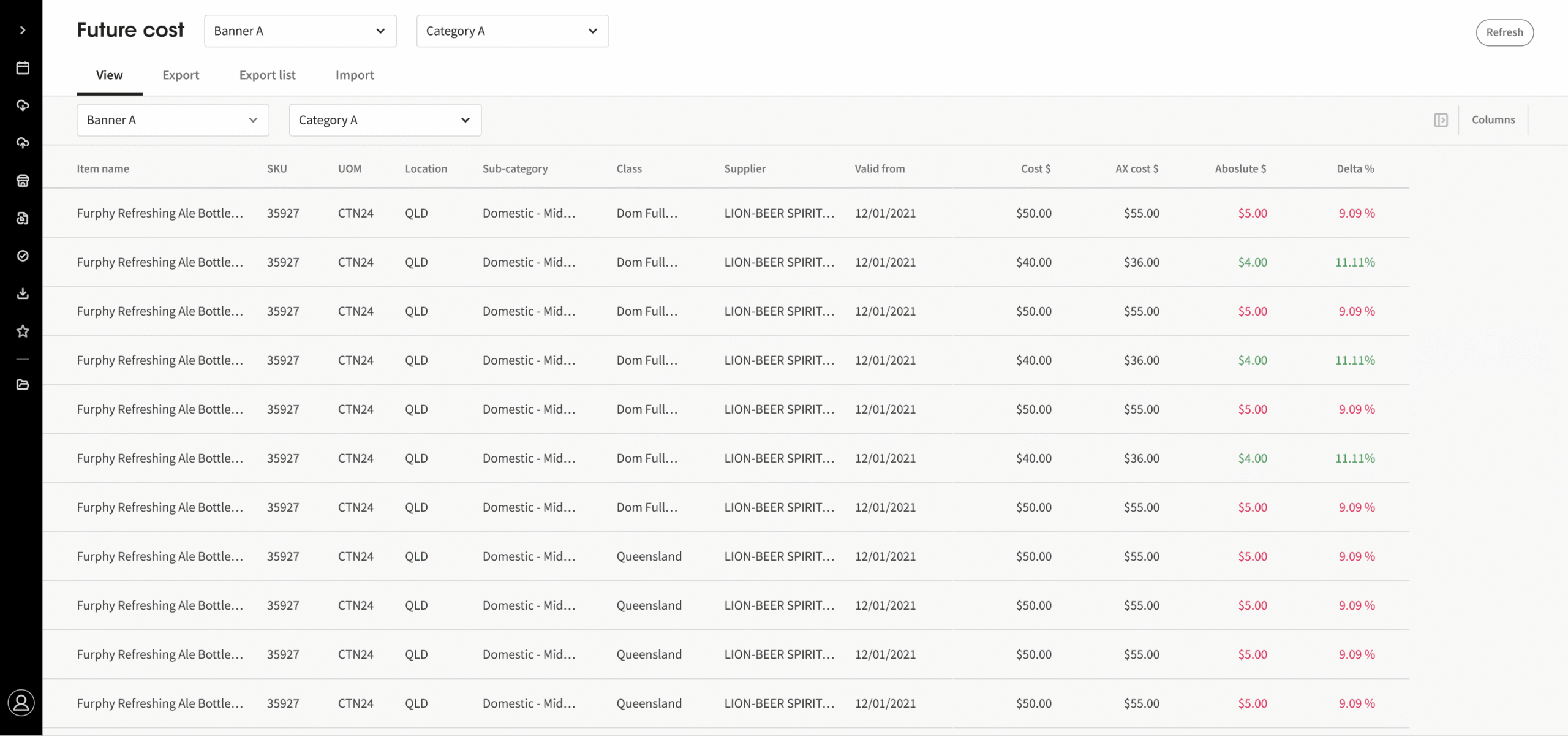
Coles’ liquor data had deep hierarchies and dependencies across products, packs, and states. The old system showed too much at once with no way to filter, making it overwhelming for users working with large, shared datasets.
Smart Data Structuring
I used AG Grid Tree Data with collapsible rows to keep the interface clean while letting users explore only what they needed. This structure aligned with how they already understood the data, making complex navigation simpler and faster.
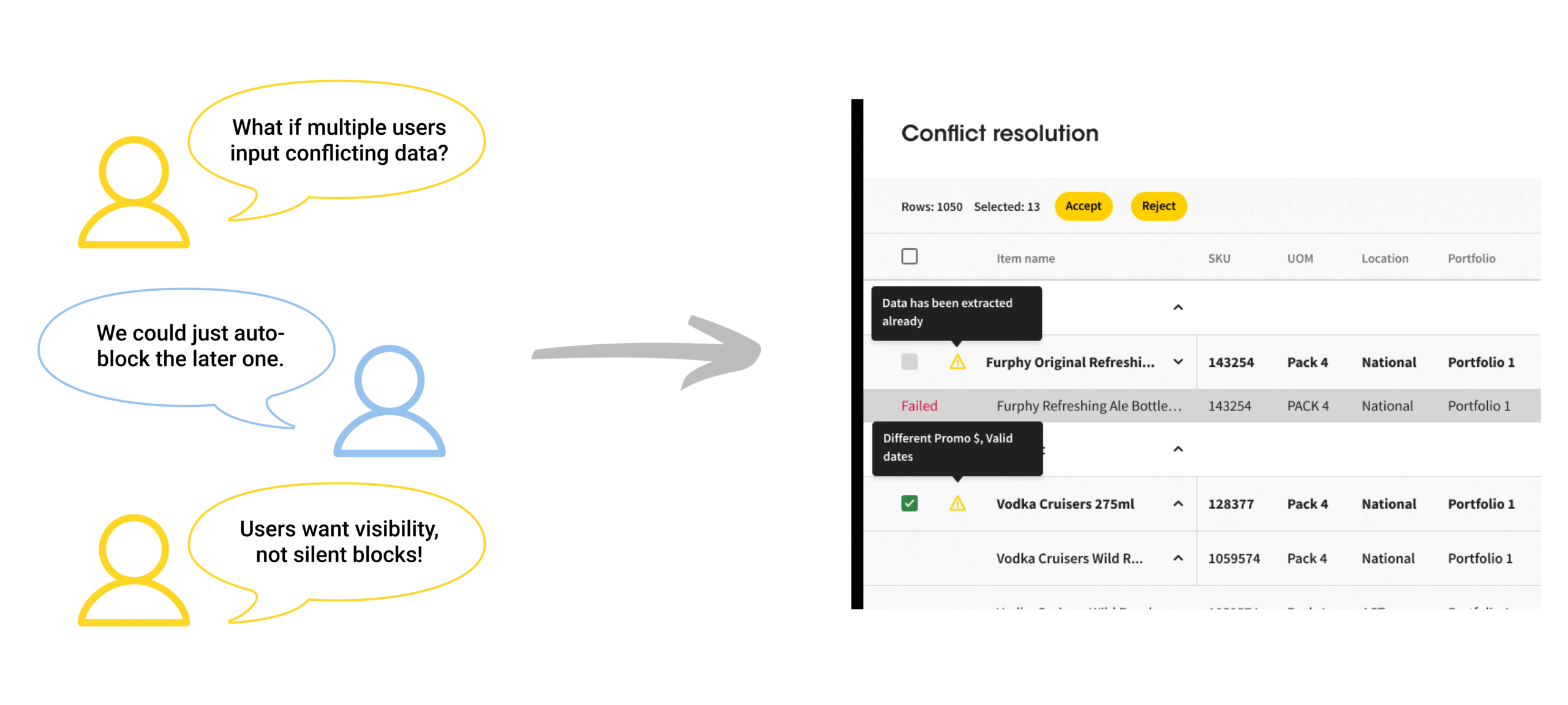
Handling Planning Conflicts at Scale
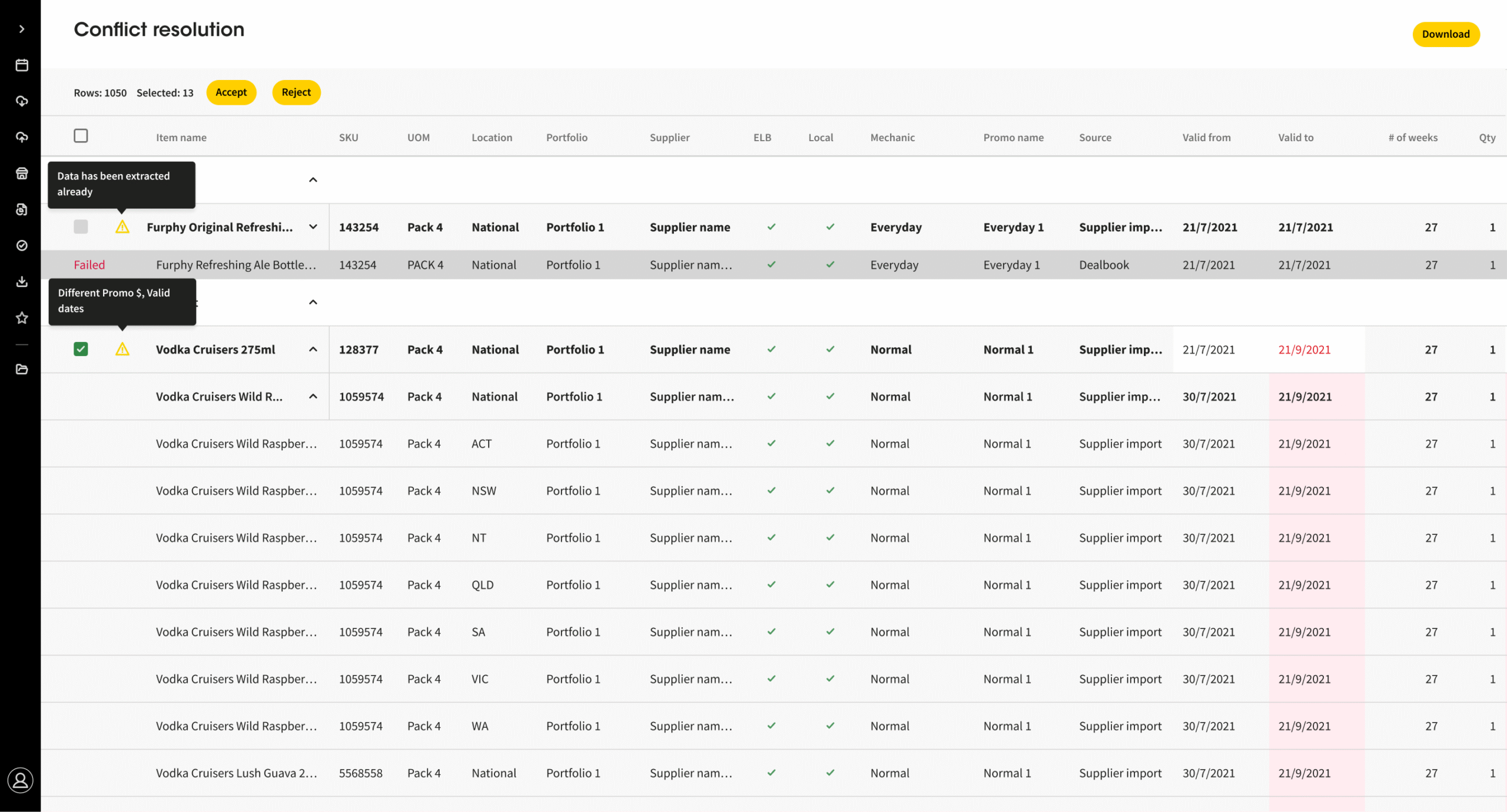
In LTP, manual data inputs sometimes led to clashes—like multiple users assigning stock to the same timeframe or location, or trying to adjust data post-extraction. These conflicts caused confusion and slowed down planning, especially in a high-volume, multi-user environment.
A Clear Conflict Resolution Workflow
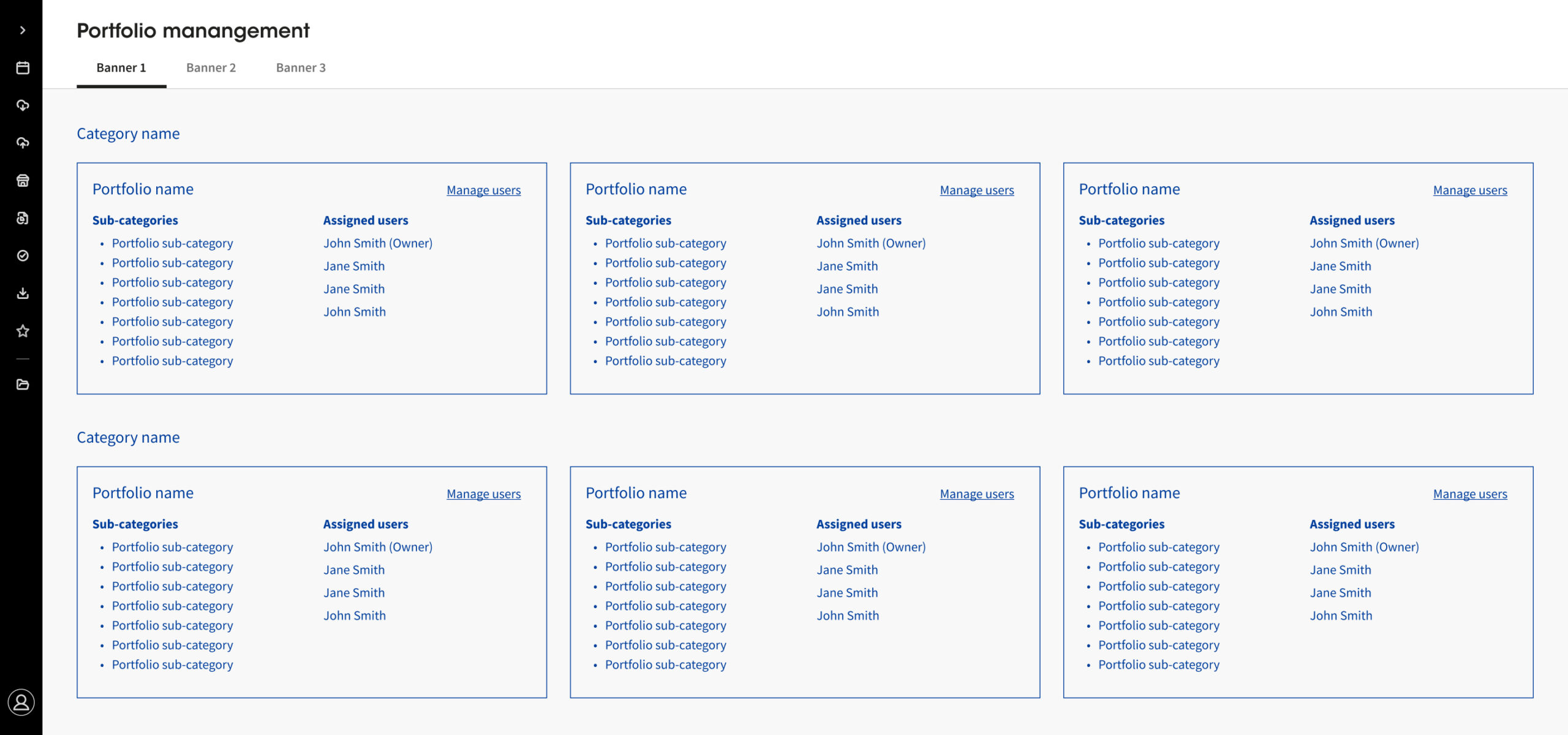
I designed a dedicated conflict resolution page that alerts users to clashes and lets them resolve them through accept/reject actions. Role-based permissions were built in after detailed collaboration with developers. Rather than oversimplifying, I focused on transparency—giving users the right context to make informed decisions in a complex, enterprise system.
From Internal Success to Broader Impact
Halfway through the project, Coles started showing the LTP tool to other businesses — a clear sign that it was working well and had value beyond just internal teams.
What I’ve shared here is only a small part of the full journey. If you’re curious to see more or want to chat about the project, feel free to get in touch!
Thank you for reading!
I would love to know what you think! Connect with me on Linkedin, email me at sunny.ha.design@gmail.com, or send me a message below.